
What Is Digital Asset Management? A Practical Guide for Media Teams
· NewSpark
If your team spends more time hunting for files than using them, a digital asset management system may be the fix. This guide explains what DAM is and how to choose one without the jargon.
Digital asset management in one paragraph
Digital asset management (DAM) is a system for storing, organizing, finding, approving and distributing your images, videos, audio and documents. Think of it as the single source of truth for your media, with the context (metadata, rights, versions and approvals) attached to each file.
Signs you have outgrown shared drives
- People re-shoot or re-buy content because they can’t find what exists.
- Nobody is sure which version is approved.
- Files are emailed or re-uploaded to every channel by hand.
- You can’t answer who has access to what, or who changed it.
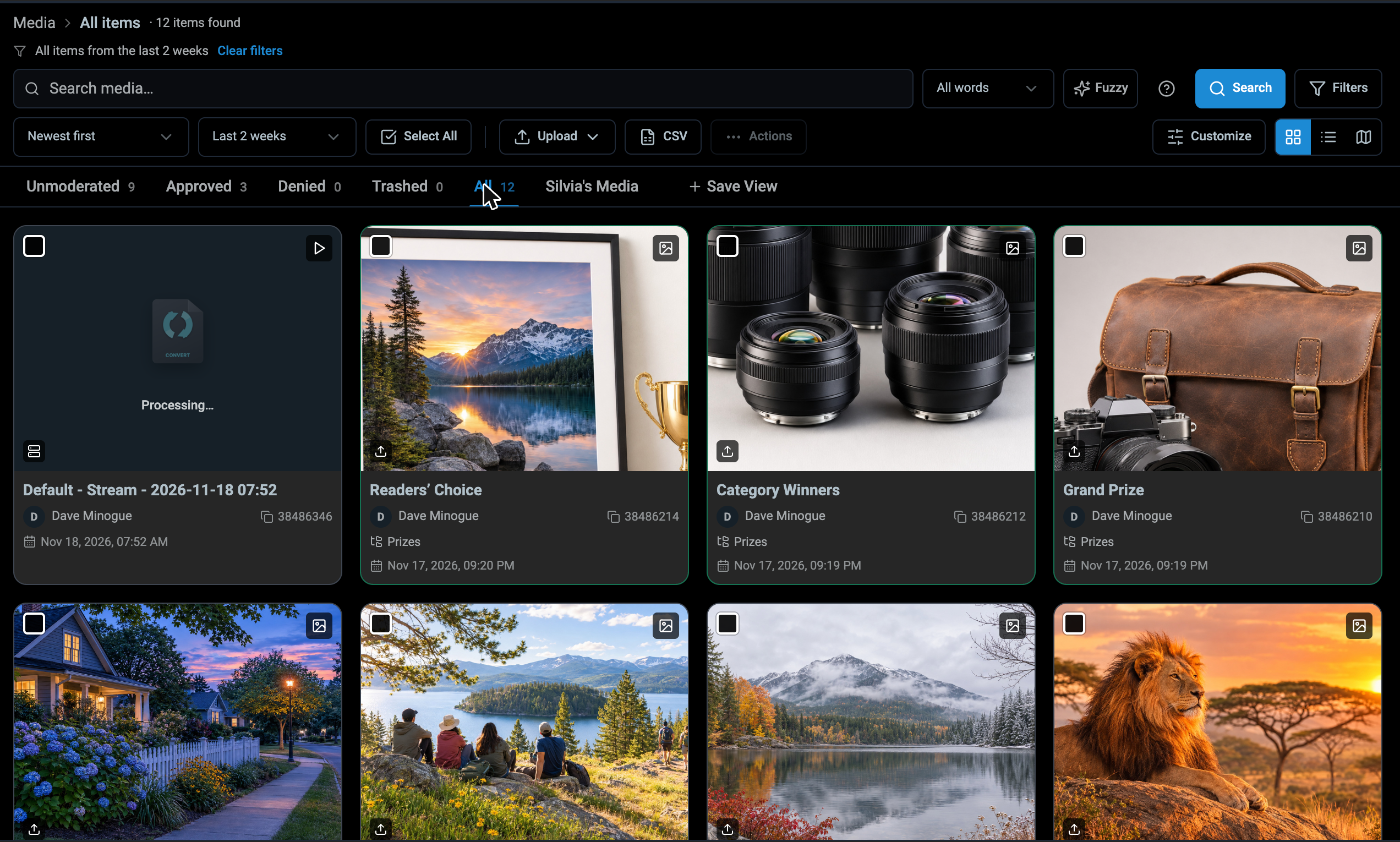
The capabilities that matter
- Search that works on meaning, not only exact tags.
- Metadata you can import, edit in bulk and translate.
- Permissions and approvals so the right people see and publish the right assets.
- Publishing to the channels you use, ideally on a schedule.
- Governance: single sign-on, audit logs and access rules your IT team can sign off.
Questions to ask any vendor
- How does search handle assets with missing or poor tags?
- Can editors review and correct AI-generated descriptions, and is approval recorded?
- Where can assets be published from the platform, and can it be scheduled?
- What does the audit log capture, and how long is it kept?
- How do we import the metadata we already have?
Where NewSpark fits
NewSpark combines a media library with smart search, AI captions that editors approve, scheduled publishing and enterprise governance. Browse the full feature list, or read what changed in our last six months of releases.